Most of the work in a construction bid isn't pricing. It's prep: reading the documents you were handed, working out what the owner actually wants, and assembling a packet that answers every question before anyone asks it.
Around Orlando that prep runs against a specific set of conditions — a storm season that compresses exterior work, a permitting landscape that changes from one jurisdiction to the next, and RFPs that show up with a week of runway. Here's how to think about bid prep as a process, and where software genuinely helps versus where it just gets in the way.
What bid prep actually covers
Bid prep is the work between "we got the documents" and "we submitted a packet we're willing to stand behind." In practice it breaks into six jobs:
- Reading the plan set and scope documents. What is specified, what is implied, which alternates and unit prices are in play, how the specifications relate to the drawings.
- Building the scope breakdown. What you're covering, what's by others, where the boundaries are. Scope gaps are the most expensive thing in a bid.
- Inventorying materials and quantities. What's called out, what's needed to build it, and which items you can't confirm from the documents alone.
- Site and conditions factors. Phasing, occupied buildings, access, laydown space, and the weather window you're actually going to get.
- Compliance and forms. Licenses, insurance certificates, bonds, DBE/MBE/SBE participation goals, prevailing wage on public work, certified payroll, safety plans, submittal lists, addenda acknowledgements.
- The proposal itself. Cover, qualifications, schedule, assumptions, exclusions, and pricing in exactly the format the RFP demanded.
The through-line: prep is mostly about matching your answer to the questions the document set actually asks.
The four things a reviewer checks before the price
Bids get thrown out for reasons that have nothing to do with money. Before anyone looks at your number, someone is checking:
- Responsiveness. Did you answer every required item, in the required format, through the required channel?
- Scope alignment. Does your scope cover what the documents describe? An unclear scope boundary reads as either a giveaway or a mistake — both cost you.
- Assumptions and exclusions. Are they written down, or are they in your head? An unstated exclusion becomes a claim later.
- Dates and administration. Addenda acknowledged, bid date and time respected, signatures where they're required.
None of those four is about cost, and all four are avoidable.
Where software helps, and where it doesn't
Tools are good at extraction and consistency. They will pull the scope items, the materials callouts, the submittal requirements, and the deadlines out of a messy document set, and they will do it the same way every time — including on the bid you're finishing at 11pm, which is exactly when things get missed.
Tools are not good at judgment. Labor productivity, market conditions, subcontractor credibility, constructability calls, and the read on a difficult owner are yours. A tool that announces "your number is X" is guessing with confidence. A tool that hands you what's in the documents, organized, with the uncertain items flagged, is doing prep work.
That distinction is why our own output marks anything we can't confirm from your documents as "Needs confirmation" or "Verify before bidding." If we can't trace an item to the documents you uploaded, it doesn't get presented as a fact.
Central Florida details worth catching early
A few things that come up often enough here to check every time:
- Which jurisdiction reviews what. City of Orlando, Orange, Seminole, Osceola, and Lake County all differ in submittal requirements, review sequencing, and turnaround. Confirm the reviewing authority and their current requirements instead of assuming it matches your last project.
- Wind and wind-borne debris requirements. Central Florida is in the wind-borne debris region. Product approvals and opening protection show up in plan sets and change what you buy and install. Check the approvals referenced rather than assuming.
- Storm season. Afternoon storms from roughly June through September compress exterior work windows. A schedule that pretends otherwise turns into a change order conversation.
- Public work. Federal and state-funded jobs bring prevailing wage, DBE/MBE goals, certified payroll, and maintenance-of-traffic requirements — all of which affect cost, and all of which are easy to miss when you're focused on the scope.
- Occupied facilities. Hospitality, schools, and healthcare projects in the region frequently require phased work, off-hours access, background checks, and coordination the drawings don't spell out.
- Fees and utility lead times. Permit and impact fees, and utility connection lead times, should be verified rather than estimated from memory.
A sequence that survives a short deadline
This order is boring, which is why it works when time is tight:
- Inventory the documents — and read the addenda first, because they override everything else.
- Build the requirement checklist straight from the RFP — submission format, required forms, deadlines — before you start estimating. The checklist is not the estimate's byproduct.
- Extract scope and materials into one list, tagged by owner: us, others, or unconfirmed.
- Price what you can, in parallel with getting confirmations on what you couldn't. Don't serially chase answers at the end.
- Draft the proposal from the same scope list so the narrative and the pricing can't disagree, with assumptions and exclusions stated plainly.
- Assemble the packet, then re-read the submission requirements once more. This last check is the one that saves bids.
Nothing in that sequence is exotic. It's just easy to skip when you have four days.
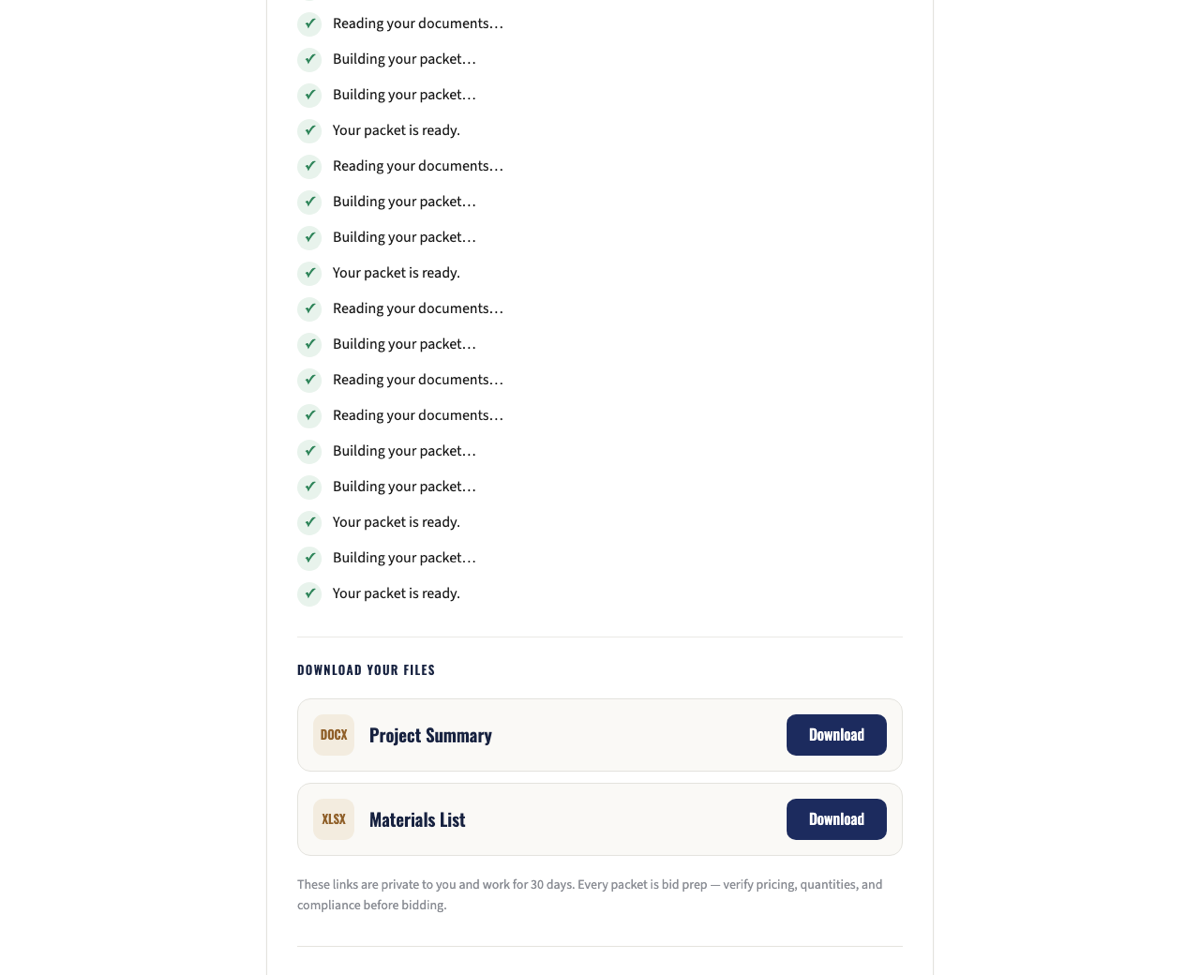
The sample project's own page — a real packet built from a real plan set, readable before you buy anything.
What we do at BidPacket
BidPacket takes the documents you already have — an RFP, a plan set, a scope write-up — and gives you back a project summary, a scope breakdown, a materials checklist, and a proposal draft, with anything we can't confirm from your documents flagged for you to verify. You preview it free and pay per packet; there's no subscription.
We're not an estimating service, and the numbers stay yours. What we're trying to remove is the reading and reassembly work that buries the parts of a bid you actually need to think about.
If you want to see what it does with one of your documents, upload an RFP and look at the preview before you decide anything.